
Enabling a feature
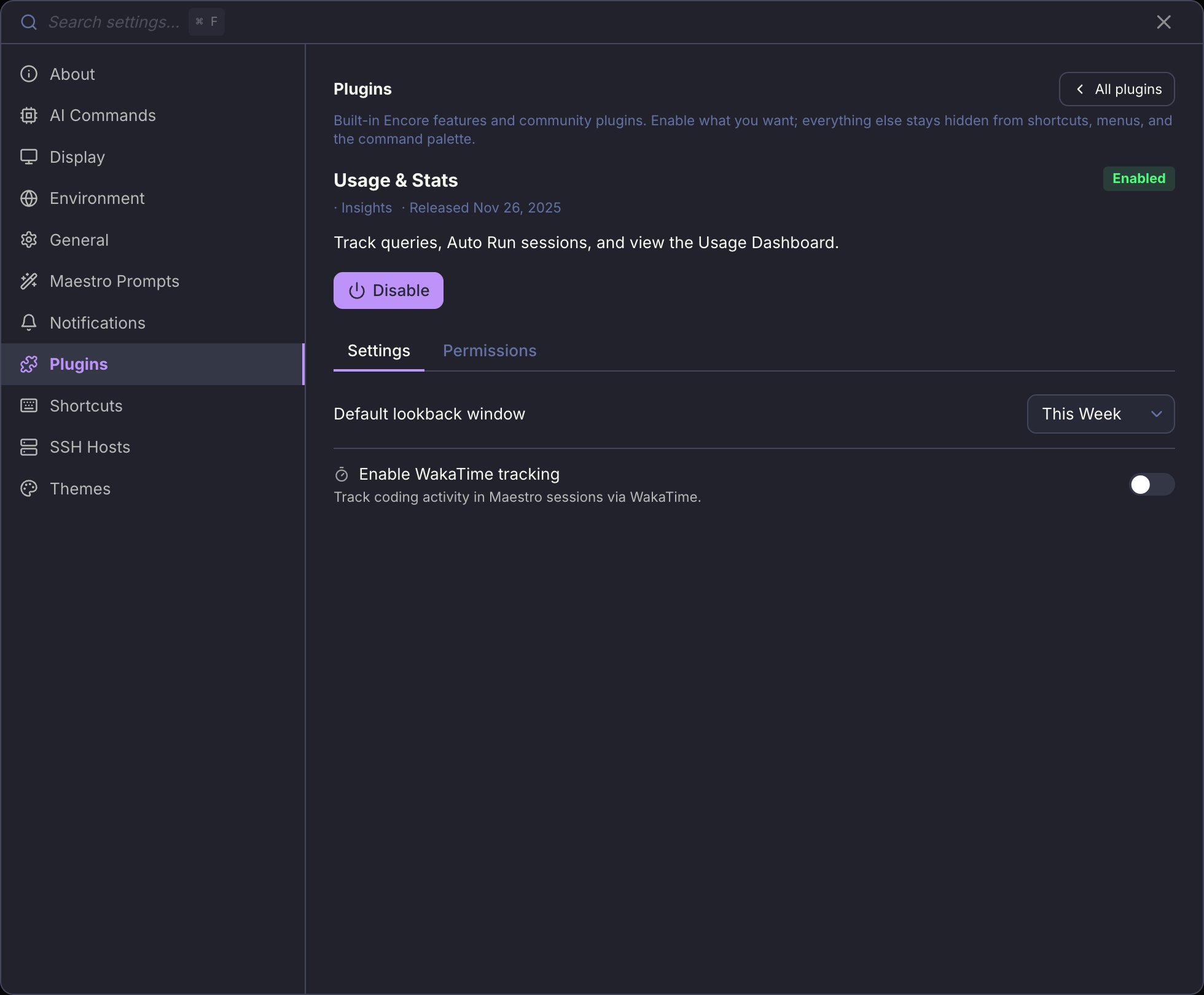
Open Settings (Cmd+, / Ctrl+,) and go to the Plugins tab. Every built-in feature is listed there as a card with its category, its release date, and whether it is currently enabled.
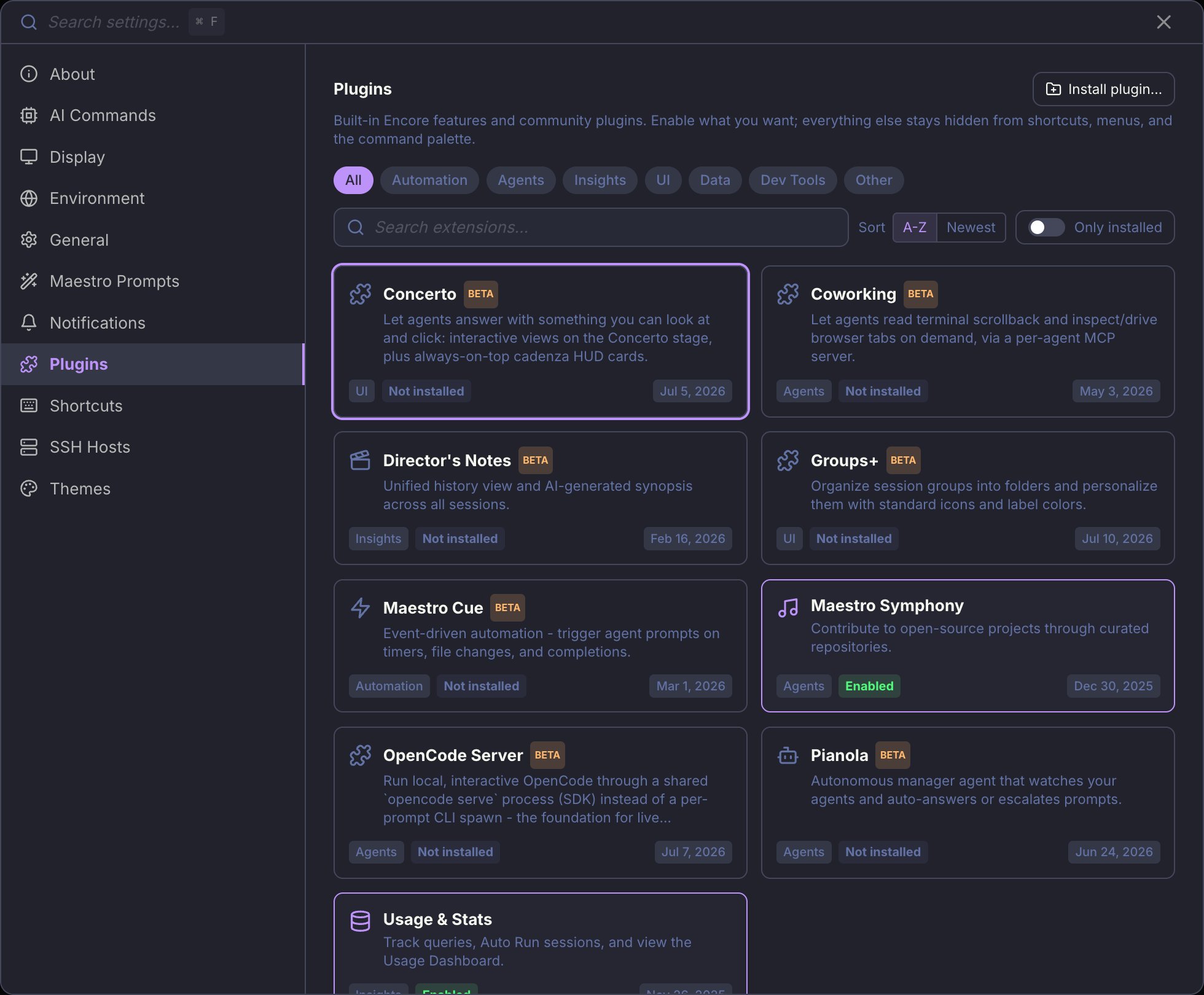
Encore vs Beta
A built-in card carries one of two badges, and the badge says where the feature is in its life:
Encore is not a category, so it sits before them in the chip row rather than among them: a graduated feature still belongs to Automation or Insights, and the chip cuts across all of them to answer “what ships on?” in one click. Community plugins are never Encore; one shows a Beta badge only when its own manifest declares it.
Built-in features work with the community plugin subsystem switched off - that is the default, and the banner at the top of the tab says so. Enable plugins turns on loading of third-party plugins as well. You do not need it to use anything below.
Available features
Features without a shortcut are not opened from the keyboard: they change how something you already use behaves, rather than putting a new surface on screen.
Disabling a feature hides its surfaces; it does not delete what you already have. Turning Groups+ off, for example, collapses your group folders back to a flat list and stops drawing the icons and colors, but the nesting and appearance you set are still stored and come back when you re-enable it.
For Developers
Want to build a new Encore Feature? The architecture is designed for easy extension - add a flag, wire up the toggle, gate the access points, and your feature ships behind a clean opt-in. Ship it off by default while it proves itself; flip its entry inDEFAULT_ENCORE_FEATURES (src/shared/encoreFeatures.ts) when it graduates.
See the Encore Features contributor guide for the full implementation checklist, architecture details, and the canonical reference implementation (Director’s Notes).